
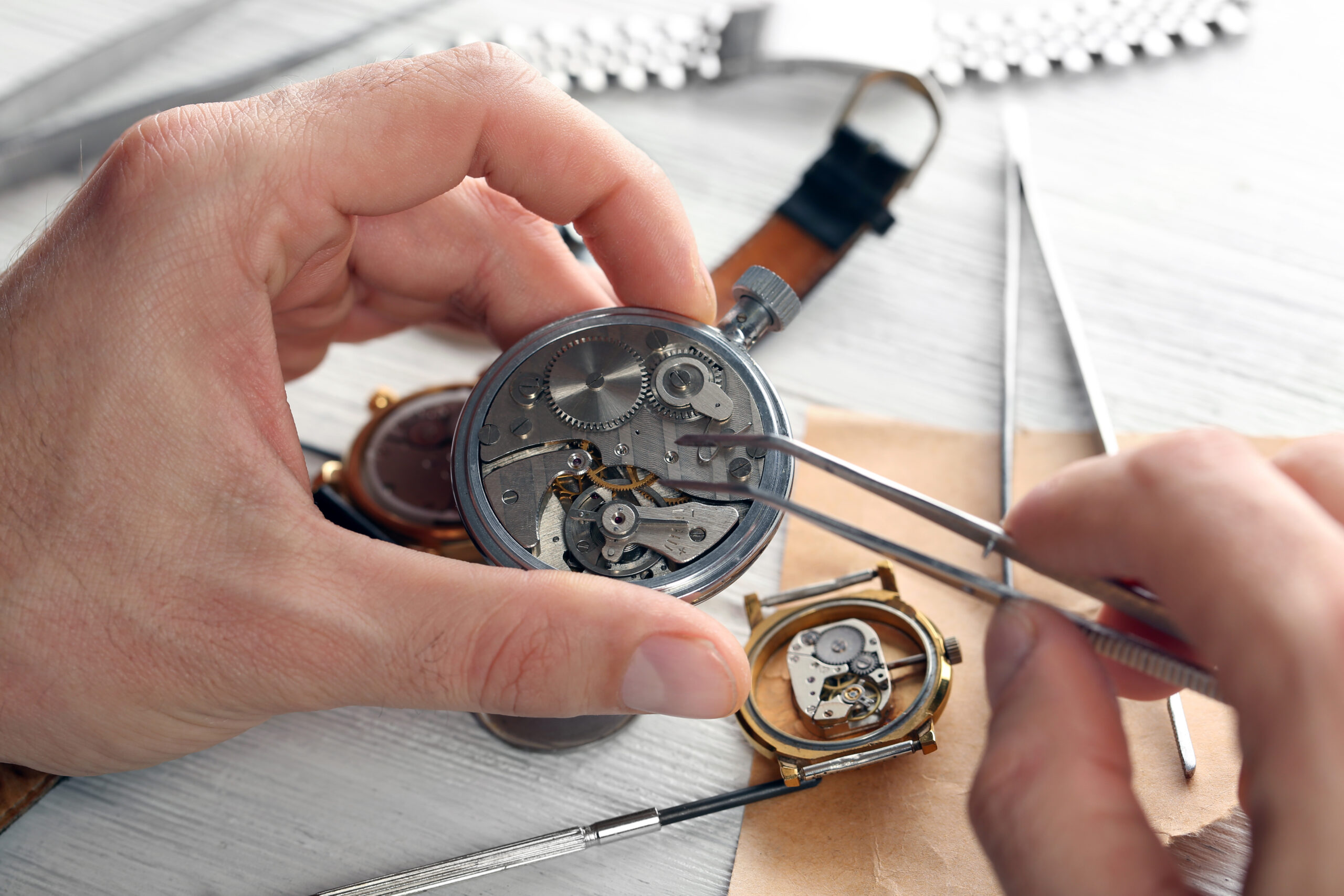
You can change a watch battery at home if the watch uses a replaceable cell and you have tools that fit its case back. Open the case carefully, match the battery specification, and preserve the seal and retaining hardware. This guide explains how to change a watch battery from identifying the case through testing it afterward, with stopping points for jobs that need a watchmaker.
Decide Whether Your Watch Is Suitable
A conventional quartz watch movement may be suitable for a home battery replacement, but rechargeable models need different treatment. Citizen Eco-Drive and Seiko Solar watches use rechargeable cells instead of ordinary disposable watch batteries. A stopped solar watch may need charging according to its manual, not a replacement cell. Generic instructions labeled “how to replace quartz watch battery” should never override the model’s requirements.
Those requirements also matter for watches intended for swimming or diving. Opening the case disturbs the seal, and replacing the back does not prove that the watch remains water-resistant. Choose professional service if you depend on that protection, see moisture beneath the crystal, or find corrosion inside. Mechanical watches do not use batteries.
Prepare the Tools and Work Area
Before following any “how to replace watch battery” instructions, identify the watch model and obtain its manual when available. Work on a clean, well-lit table with a soft mat that protects the crystal. Have a small parts tray ready, along with magnification if you cannot clearly see the battery retainer. A phone photograph can preserve the original arrangement before anything moves.
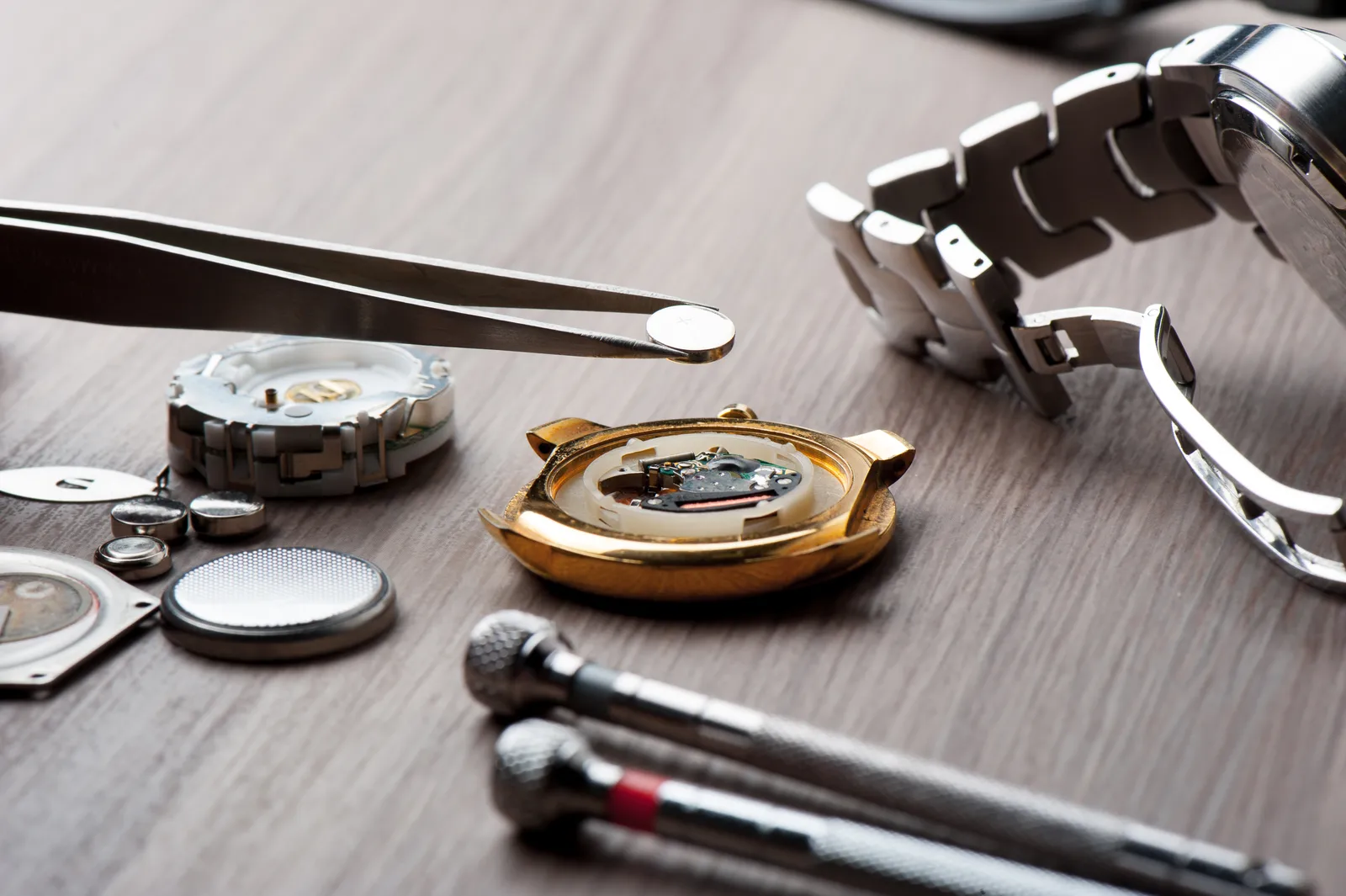
The opening tool depends on the back. Other useful tools include nonconductive tweezers and a correctly fitting precision screwdriver. A size 00 or 000 Phillips screwdriver may fit a small cross-head screw; choose by actual fit, not the size label alone. Keep new and removed button cells away from children and pets. Swallowing one requires immediate emergency medical attention. Take spent cells to a battery collection or recycling facility.
Identify and Open the Case Back
Inspect the back under good light before applying force. A snap-on back usually has a small opening lip or notch. A screw-down back commonly has tool-engagement notches around its edge. Other backs attach with individual screws. These designs require different tools, as the comparison below shows.
Identify your watch’s case back before changing the battery
| Watch case-back type | Identifying features | Correct opening tool | Main advantage | Key caution |
|---|---|---|---|---|
| Snap-on / press-fit | Small pry lip or notch at the seam; no retaining screws | Purpose-made watch case knife | No threaded back to unscrew | Pry only at the opening point; refitting may require a case press |
| Screw-down / threaded | Tool-engagement slots, notches or flats around the back’s perimeter | Case-back wrench matched to the engagement points | Threads hold the back securely against its gasket | A slipping wrench can scratch the back; opening does not preserve a water-resistance rating |
| Screw-secured plate | Separate small screws hold the back plate to the case | Precision screwdriver that fully fits each screw head | Individual fasteners are easy to identify | Remove all retaining screws before lifting; keep screws and gasket together |
| Front-loading / monocoque | One-piece case; manufacturer’s service instructions specify dial-side access | Watchmaker’s model-specific crystal and stem tools | No removable rear cover or rear-cover gasket | Do not pry at the rear; battery access requires front-side disassembly |
For a snap-on back, place a purpose-made case knife at the opening point, keeping the blade away from your other hand. Use controlled pressure; do not slide it around the seam. For a threaded back, seat a case-back wrench securely in the matching notches and support the watch in a holder. Remove individual screws with a fitted driver and store them in their original arrangement. Stop if the tool slips or the back resists.
Record the Battery Position and Release It
With the back removed, photograph the cell, its polarity markings, and the retaining hardware. Note any plastic spacer or insulating sheet without moving it unnecessarily. Learning how to remove a watch battery starts with understanding what holds it down: the cell may sit beneath a spring clip, a latch, or a screw-secured strap. Do not assume the visible screw needs to come out completely.
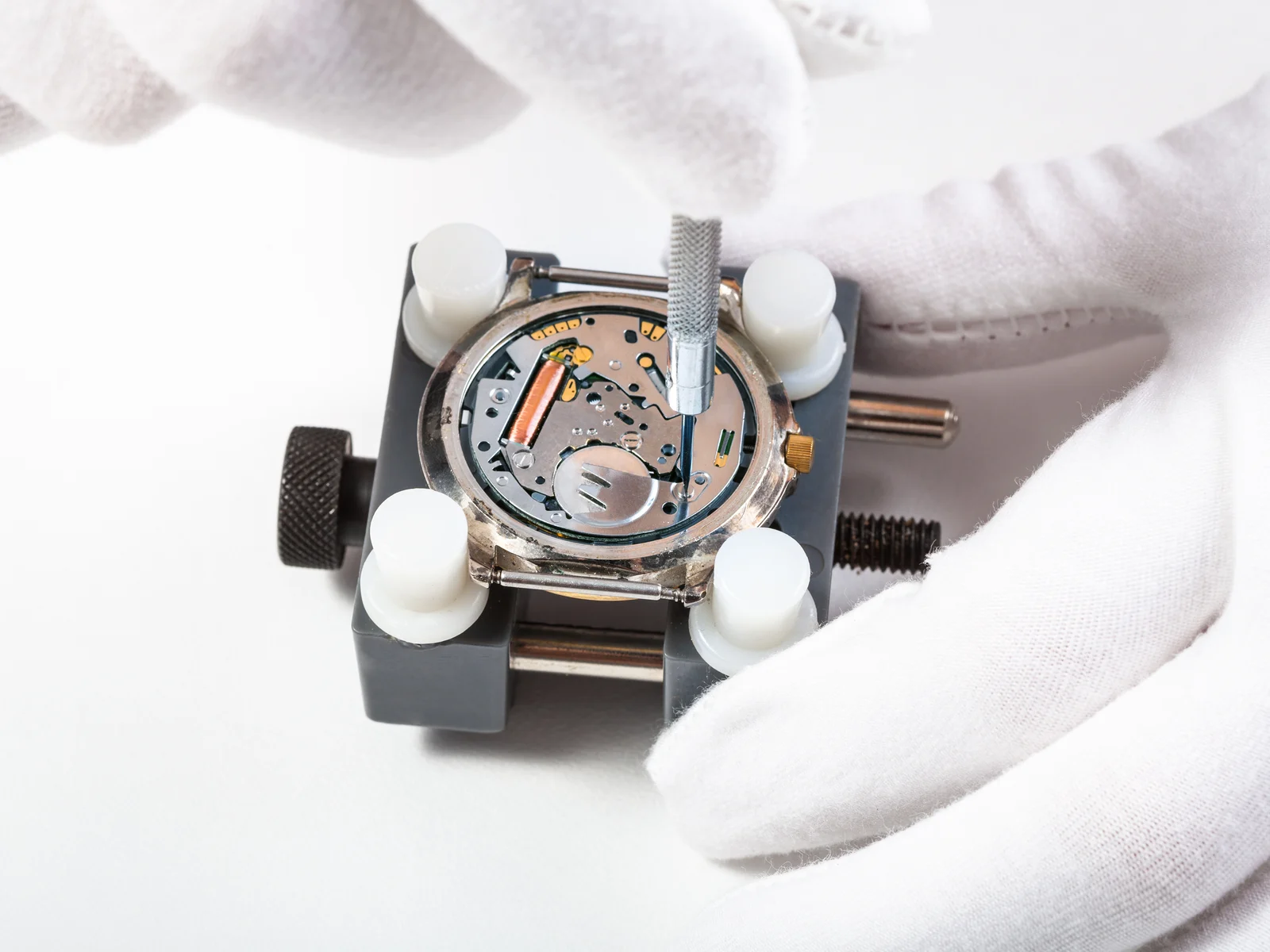
Release only the part designed to move, following the model’s instructions. Keep tools away from the coil and other exposed movement components, and do not pry against the circuit board. Lift the released battery with nonconductive tweezers. If the retaining method is unclear, leave it alone. A broken clip can turn a straightforward battery replacement into a movement repair.
Match and Install the Replacement Cell
Read the full code on the removed battery and compare it with the model’s specified replacement. A “change watch battery” reminder does not identify the correct cell. Similar-looking batteries can differ in thickness, chemistry, or electrical characteristics, so physical fit alone is insufficient. Use the specified code or a documented equivalent, not whichever cell happens to fit the compartment.
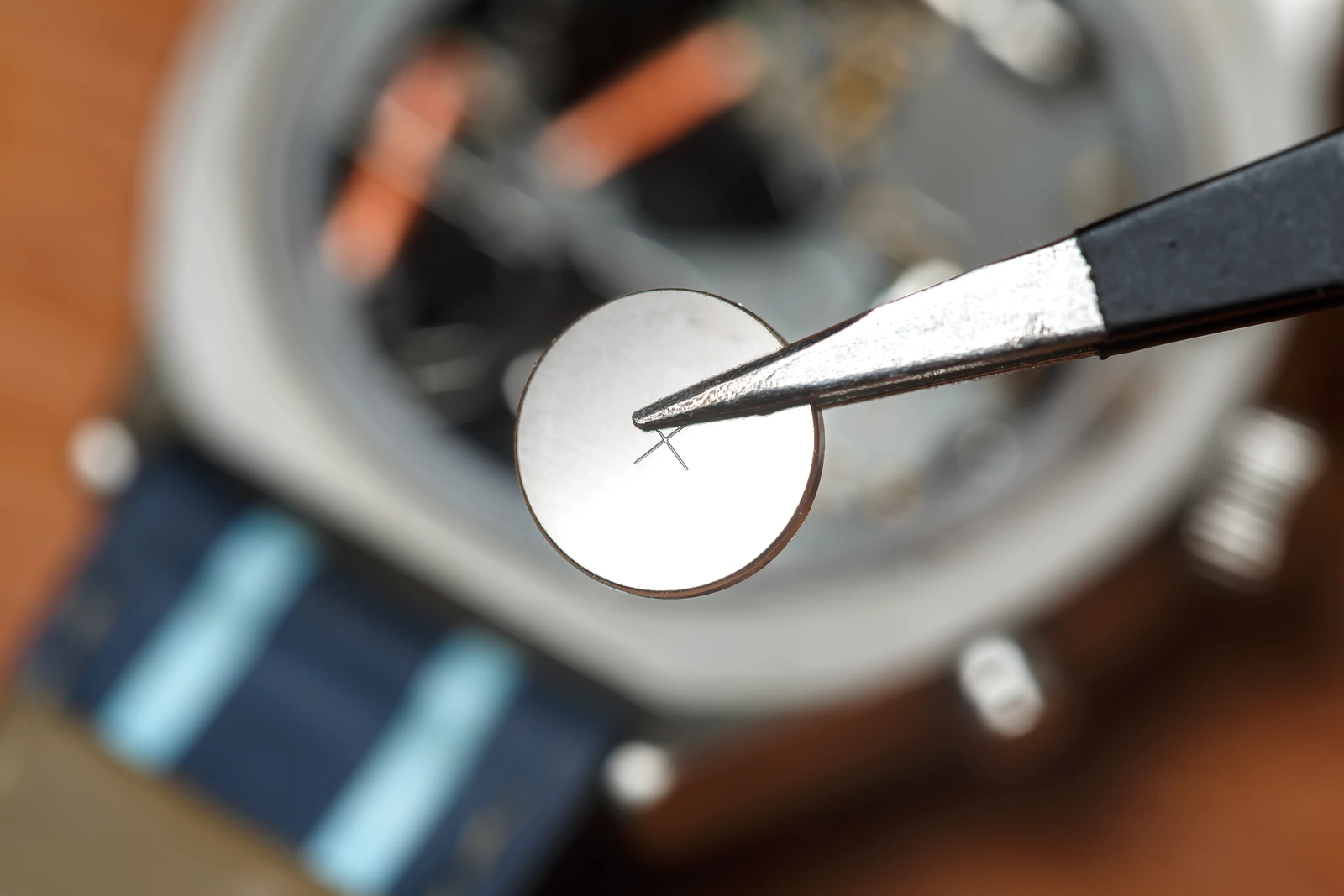
With the correct cell ready, handle it by its edges and place it in the recorded orientation. Do not assume the marked side always faces you. Restore the retainer without bending it or overtightening its screw, and replace any insulating piece exactly where it belonged. Keep metal tweezers from bridging the battery terminals. If the cell will not seat easily, remove it and investigate instead of pushing harder.
Test the Movement and Follow Any Reset Procedure
Once the cell is secure, look for movement or a working digital display before closing the case. Some analog watches have no seconds hand, so compare the minute hand’s position over several minutes. If nothing happens, review the photograph for polarity and retainer placement. A fresh cell does not rule out a contact problem or a fault elsewhere in the movement.
Some digital watches, including some Casio models, require an AC, or all-clear, reset after replacement. The specified contacts and procedure depend on the module. Follow those exact instructions; never bridge unidentified contacts because an unrelated tutorial shows it. Record the date and cell code in a maintenance note titled “Changing watch battery,” along with any module-specific reset instructions you used.
Inspect the Gasket and Close the Back
Before closing, examine the case-back gasket in its groove. It must be clean, untwisted, and free of visible cracks or flattening. Keep dust and loose fibers out of the case. A damaged gasket needs a correctly specified replacement; household glue or an improvised seal is not a substitute. Avoid adding lubricant unless the watch’s service instructions call for an appropriate product.
Once the gasket is seated, align the back with any locating features or clearance for the stem. Start a threaded back carefully so it does not cross-thread, and tighten screw-fastened backs evenly. Some snap-on backs require a watch press with suitable dies. Do not force one shut with pliers or put concentrated pressure on the crystal. A watchmaker can close it and pressure-test the assembled case.
Key Takeaways
- Most quartz watch batteries last 2–5 years, depending on features and use.
- Identify the case-back type before choosing an opening tool.
- Match the replacement battery to the original code and model requirements.
- Preserve battery polarity, retaining hardware, and gasket placement.
- Use a watchmaker when opening, closing, or sealing requires equipment you lack.
Frequently Asked Questions
Can I replace the battery in my watch myself?
Yes, if it has a replaceable battery, an accessible retainer, and a case you can open and close safely. Fragile internal parts or a need for tested water resistance make professional service the safer choice.
How do I get the back off my watch to put a new battery in?
Identify whether the back snaps on, threads into the case, or uses individual screws. Use the matching opening tool described above, and stop if it cannot engage securely.
Can I change the battery in my watch without a tool?
If you are wondering how to change a watch battery without tools, the safe answer is usually to wait until you have the right equipment. Household knives and makeshift grips can slip, damage the case, or injure your hand.
Why is my watch still not running after I replace the battery?
Possible causes include reversed polarity, poor contact, an incorrect cell, or a required reset. Follow the model-specific troubleshooting instructions; continued failure may indicate a movement fault.
Is my watch still water-resistant after a DIY battery change?
You cannot establish water resistance by looking at the closed back. A properly seated gasket is necessary, but an appropriate pressure test is needed to assess the assembled watch’s seal.
Check Your Watch Before Wearing It
Set the time and date using the watch’s normal instructions, then operate any buttons you ordinarily use. Return the crown to its normal position, including screwing it down if the design requires that. Make sure the case back sits evenly and that nothing feels loose.
How to change a watch battery safely includes knowing when to stop. Compare the watch with a reliable time reference later in the day. If it stops again or behaves erratically, avoid repeatedly reopening it and take your battery code and repair notes to a watchmaker. Keep it away from water until its seal has been assessed if water resistance matters to you. When a part needs force or its purpose is unclear, stop before causing damage.